Hi
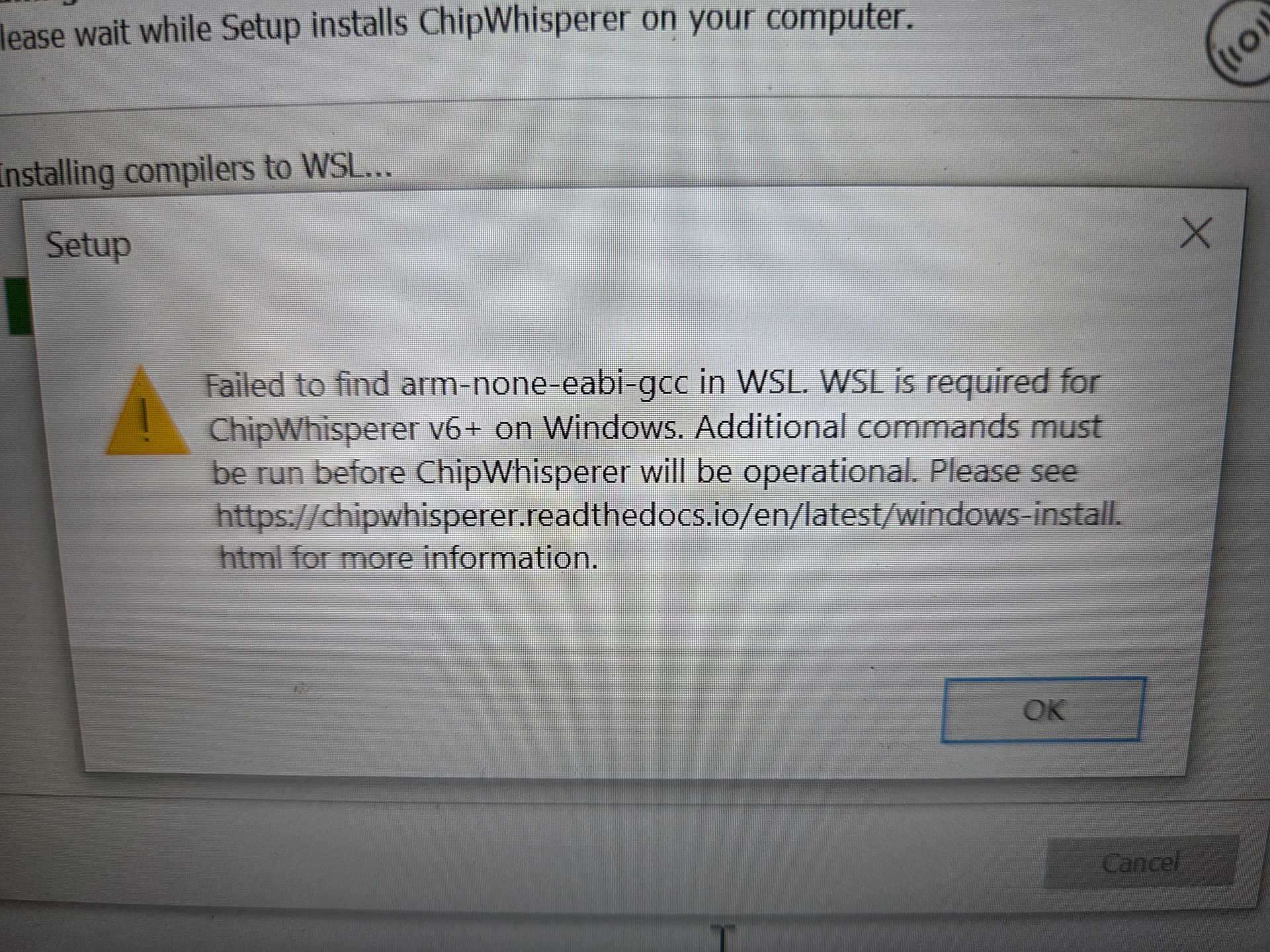
so I purchased my chipwhisper husky last year on a whim, forgot about it, remembered i had it and thought its now time to get it to work! , i downloaded the windows based installer, but i am receiving a weird error… i tried looking for the problem in the help… well that doesn’t appear to show much. I tried installing WSL but doesn’t appear its being seen by the install i have unloaded a picture of what fault i am receiving, any direction would be great.
I may have sussed part of it out more to follow
So i have got a little closer but now i am stuck
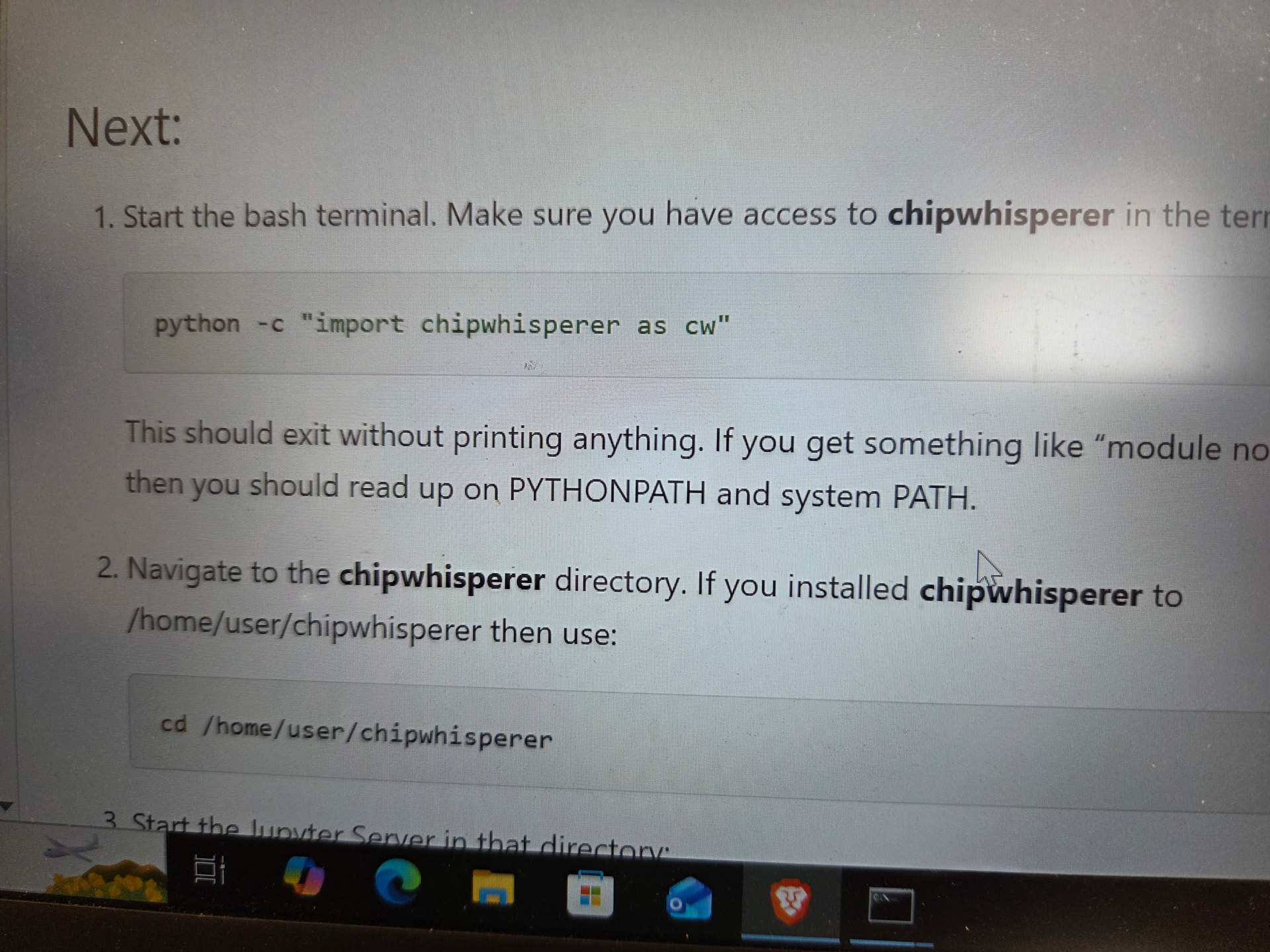
I have got this far its saying its not found , and now I need to read up on PYTHONPATH? Is this is the help section somewhere?
according too the installation instructions it says that i need to install python and chipwhisper in WSL aswell ? but its confusing do i need to do that aswell?
Where do you see that? Are you following the instructions here, using the 6.0 release?
With regards to Python and ChipWhisperer in WSL, this is what our installation page says:
Note that Python and ChipWhisperer aren’t available from this environment, or WSL in general. While it is simple to install Python in WSL, USB devices aren’t available in WSL. As such, the installer doesn’t install Python or ChipWhisperer in WSL.
What we are trying to say is that ChipWhisperer is not available from WSL. We are not asking (or recommending) that you install it in WSL.
right ok, so how do i get it to work, as its rather unclear what direction to go in, i have installed what i assume is correct by stopping the windows install to stop screaming at me that certain things where not installed such as WSL , i assumed ( clearly wrong) that chipwhisper ran with in the WSL unbuntu VM envo, now i am currently “attempting” to update chipwhisper via the update application which was installed from the windows installer from git, but it doesn’t appear to work as it hangs for ages oh and chipwhisper doesn’t appear to be seen by anything currently other then windows device drivers.
You can start by answering my questions.
Then I recommend you try a clean-slate install of our latest 6.0 release, following our instructions carefully (linked above) and not making any assumptions.
So to answer you’re questions, yes it was v6.0.0 as I just looked at the windows installer which appears too be the latest install, so that answers that question,
So I followed the install as mentioned, followed it to stop it from screaming at me, installed WSL , unbuntu da da da, and then fell on to the instructs for install , attempted to run the chipwhisper-updater “ which automates the process”
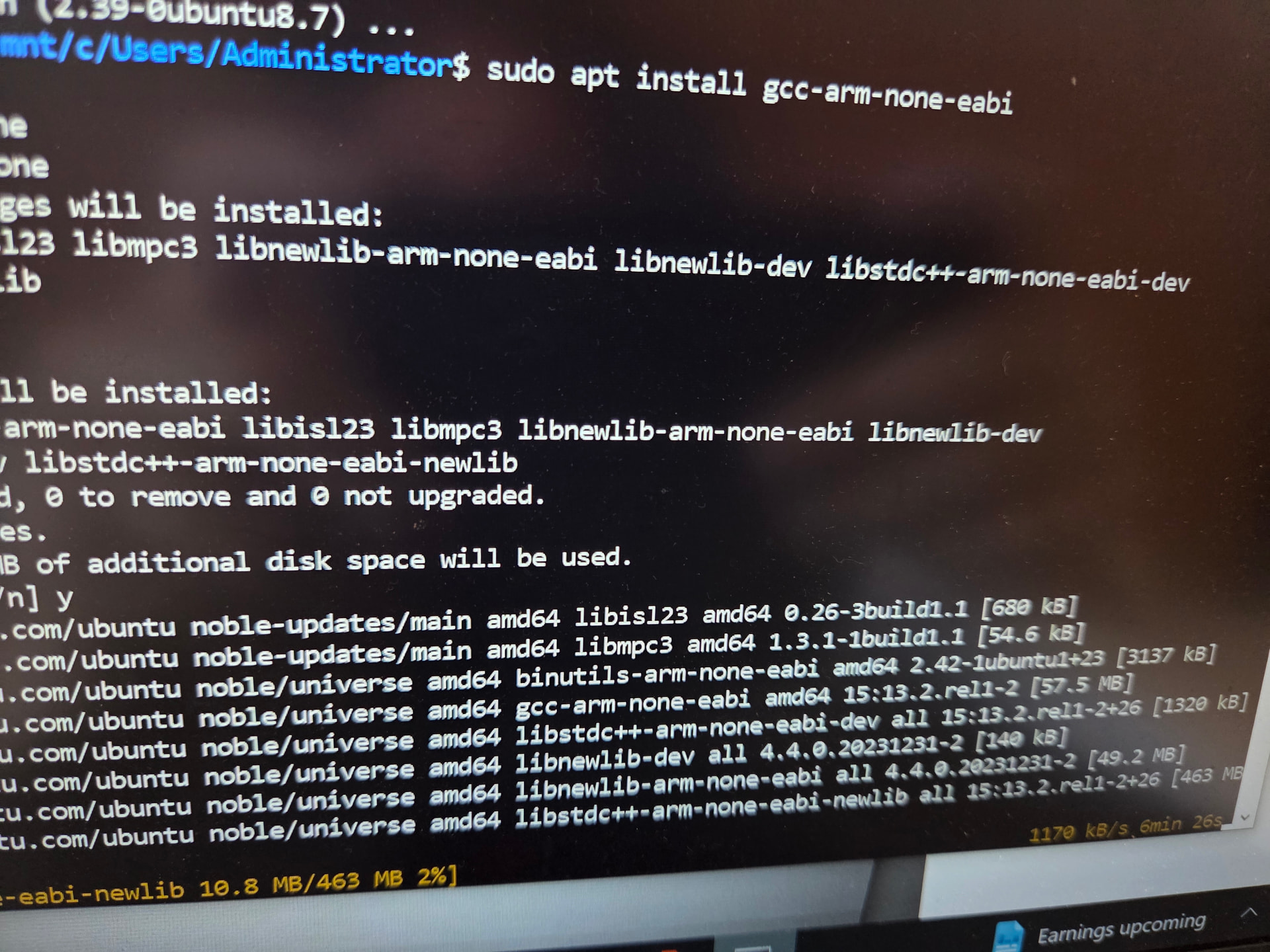
But hangs for me , great…. 25mins in and nothing… im going to check my firewall settings somthing isn’t happening that may well be the problem, I installed the ARM gcc within WSL
I have opted to try through ubuntu
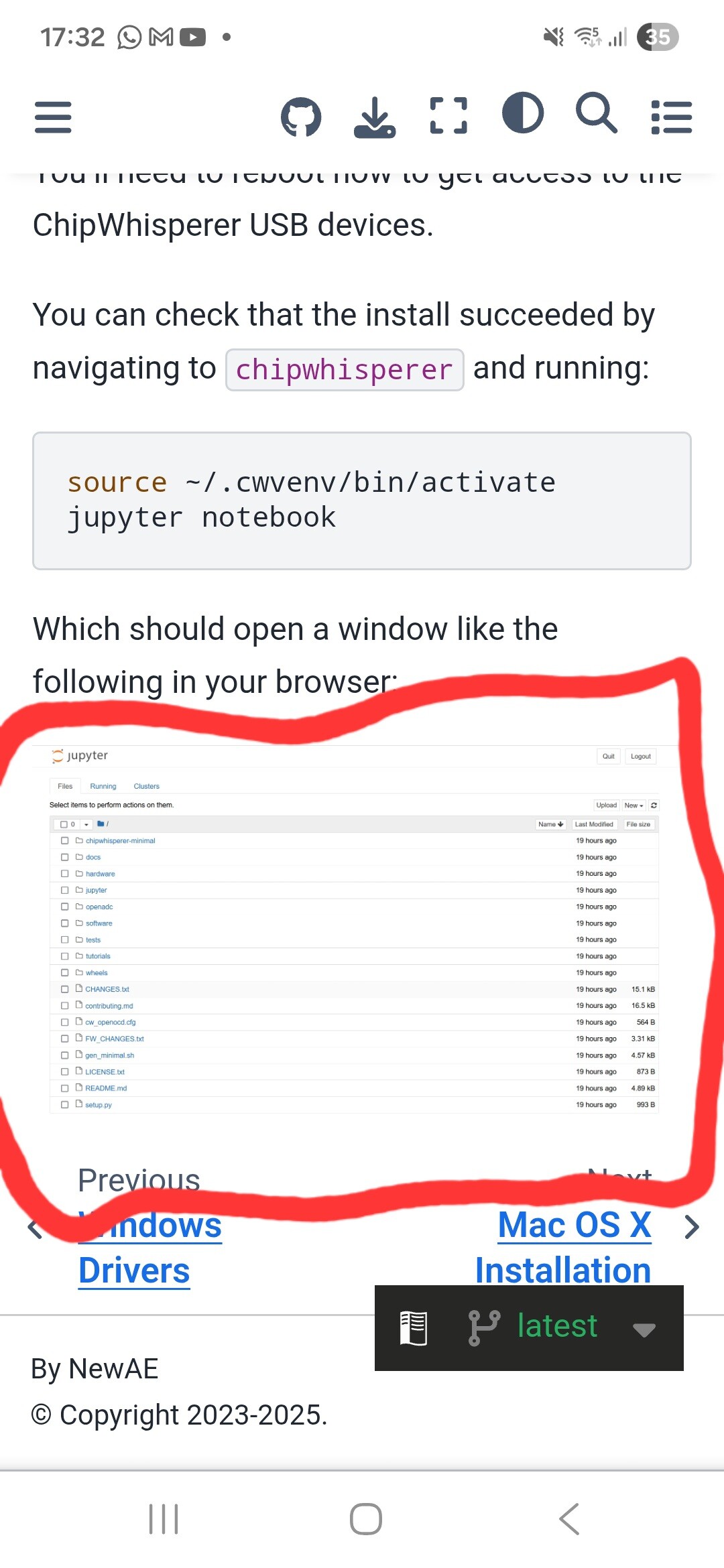
And I am stuck now it would appear the file system doesn’t look like the one I have currently installed, i looked over what I typed and didnt again. And still nothing, its not loading or the hardware doesn’t appear to be seen, I dont really know ubuntu very, I am aware there is a method to allow the usb to be seen in vm sections but I cant remember how to do so, I am assuming its that, that is what mine doesn’t look like. Its similar. But not exactly the same.
We have some instructions for that here.
At what point does it hang? We need more information.
Since writing above I scrapped the idea of using it in windows, I didnt bother attempting to gauge how long it hanged for when attempting to update , I went down the route of installing unbuntu 24.04, and proceeded with the instructions too install and attempt to try and learn to use it, my ubuntu/ Linux knowledge is limited but it would appear I can report it believe it is now working fine, it is being seen via lsusb and also when start juypter, and play the code to find the chipwhisperer it has a smiley face. I dont know why it wouldnt work in windows but I wasted far to much time getting aggravated it wouldn’t work, i wanted to try out the CW212 board which is included, but i couldn’t find a section which had it listed? There where a few errors which came up while I was clicking about to get a feel of how and what I am looking at, such as Ipython error which stopped a graph from showing, I found the fix for that which appeared to of worked.
Now for the moment I have had to stop as the partition i have allocated for ubuntu has filled up pretty quickly, stupidly I only allocated 15gig , ill be back once I have reinstalled in a larger HDD
Not sure why but I cant edit the ubuntu miss spelling