How to test and see the log from cw305

My setup:

CW-lite, CW305 connect with 20 pins connector

I follow GitHub - newaetech/CW305-Arm-DesignStart: Instruction and files for porting Arm DesignStart to CW305. to update the bitfile
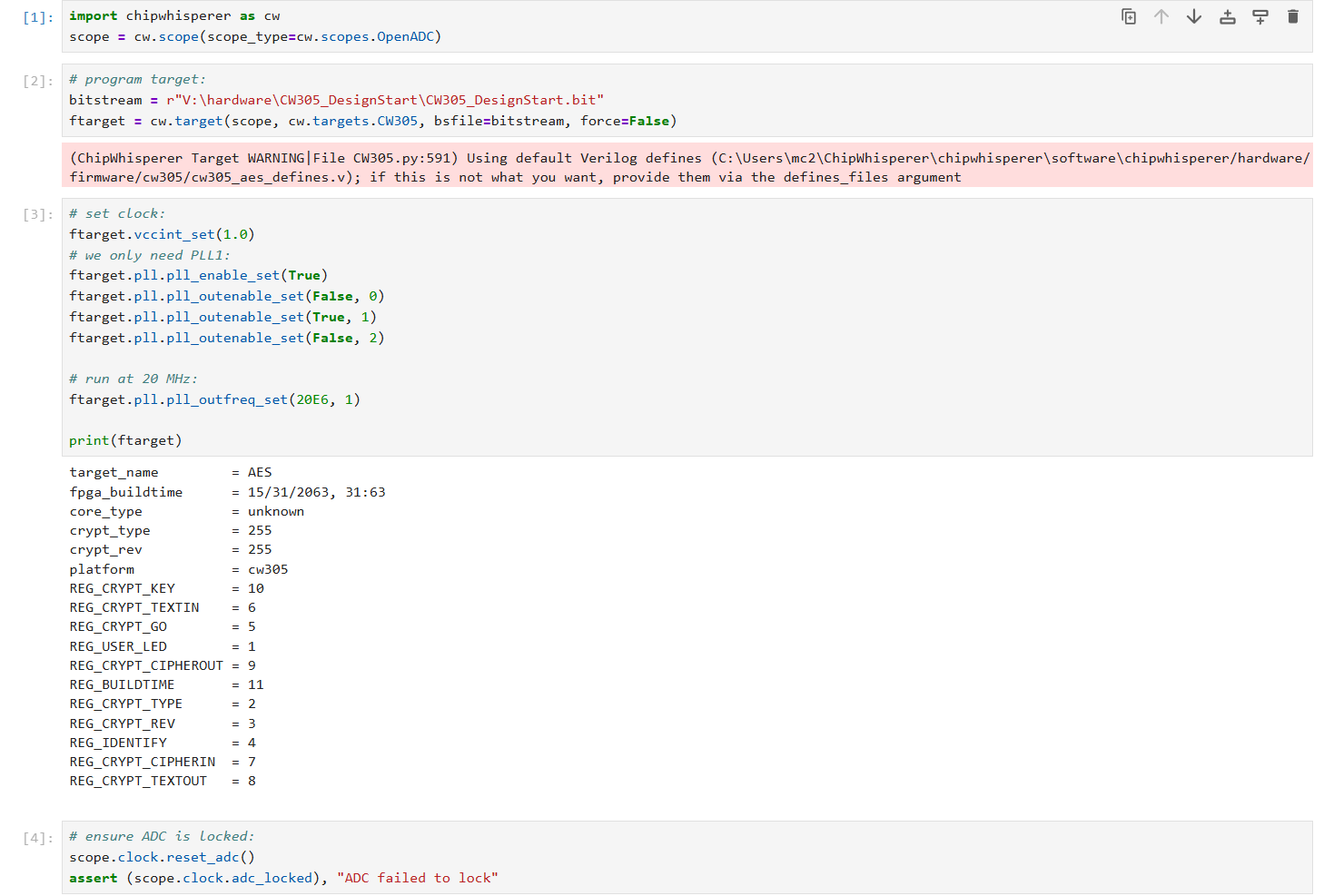
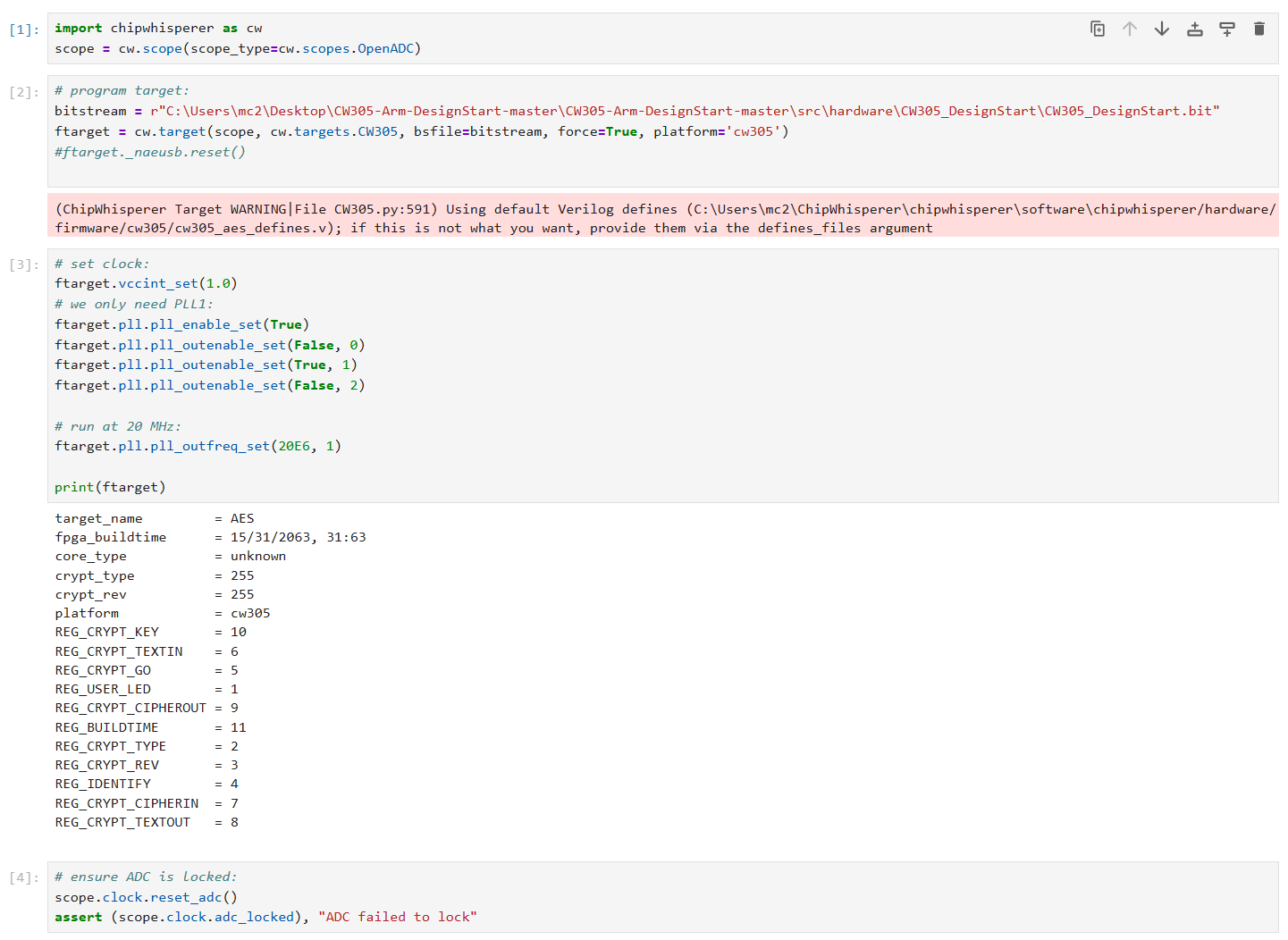
and run setup design start python code below, it seems like CW305 default use AES bitfile ? not my DesignStart bitfile.

And after this, my CW-Lite red LED is on (locked)

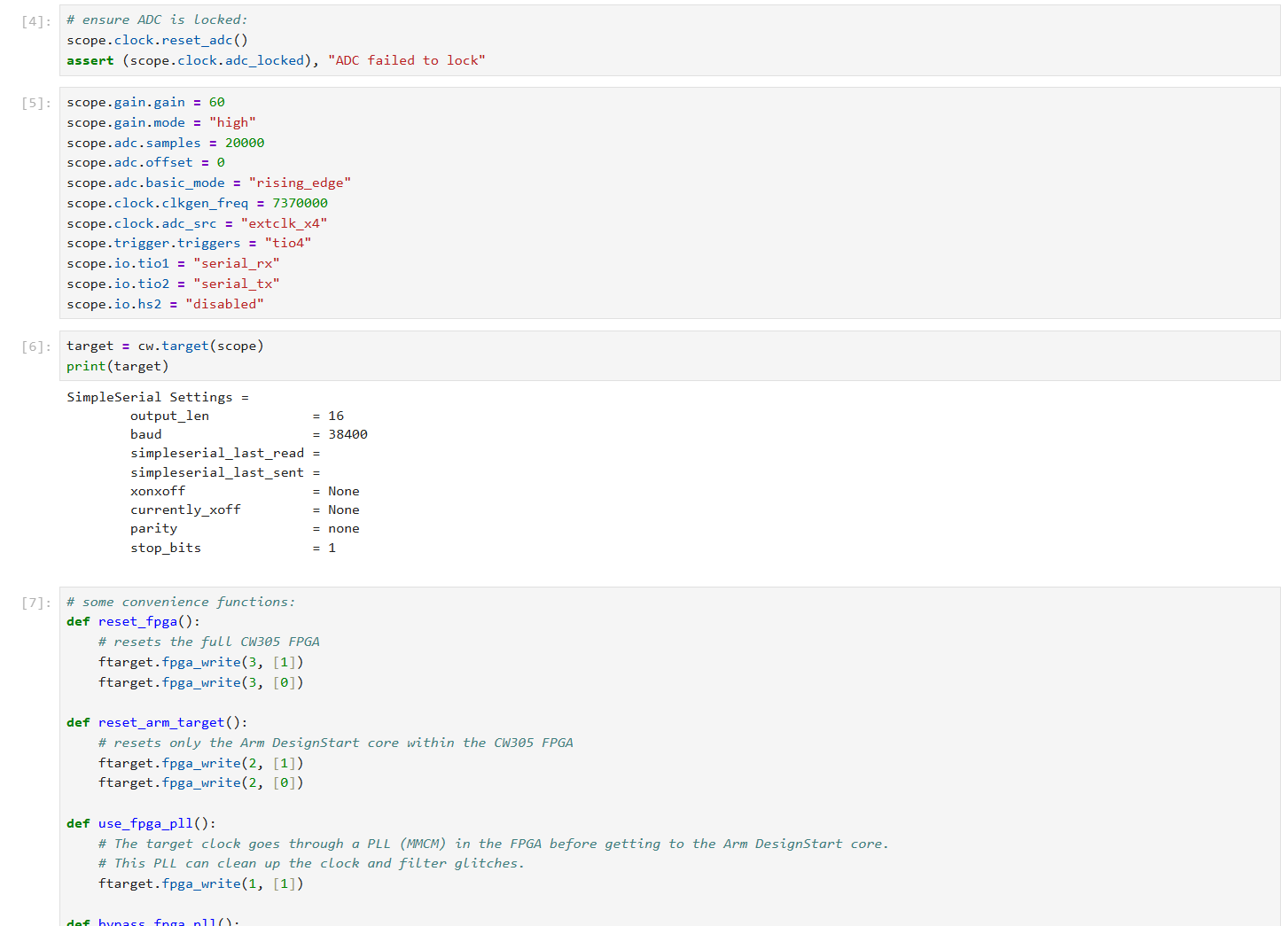
Right now I want to figure out how to communicate with Target using cw API through jupyter

like I saw a cw_main.c code down below, maybe there are some ways I can write ‘i’
and read the output throught uart to validate the bitfile is fine ?

Can someone give me a demo code or examples?

int main(void)

{

    uint8_t tmp\[KEY_LENGTH\] = {DEFAULT_KEY};


    trigger_setup(); //defined to InitialiseGPIO

    init_uart();     //defined to InitialiseUART


    aes_indep_init();

    aes_indep_key(tmp);

    /\* Uncomment this to get a HELLO message for debug:

    info(tmp)

    \*/

    simpleserial_init();            

    simpleserial_addcmd('k', 16, get_key);

    simpleserial_addcmd('p', 16, get_pt);

    simpleserial_addcmd('x', 0, reset);

    simpleserial_addcmd('i', 0, info);

    simpleserial_addcmd('m', 18, get_mask);

    while(1) {

      simpleserial_get();

    }

}

Thanks!

Follow the instructions here: GitHub - newaetech/CW305-Arm-DesignStart: Instruction and files for porting Arm DesignStart to CW305.

Is GitHub - newaetech/DesignStartTrace: Adding trace to DesignStart for easier side-channel analysis on the CW305 target. Also supports PhyWhisperer. a one example that I can do for CW-Lite & CW305 Target ?

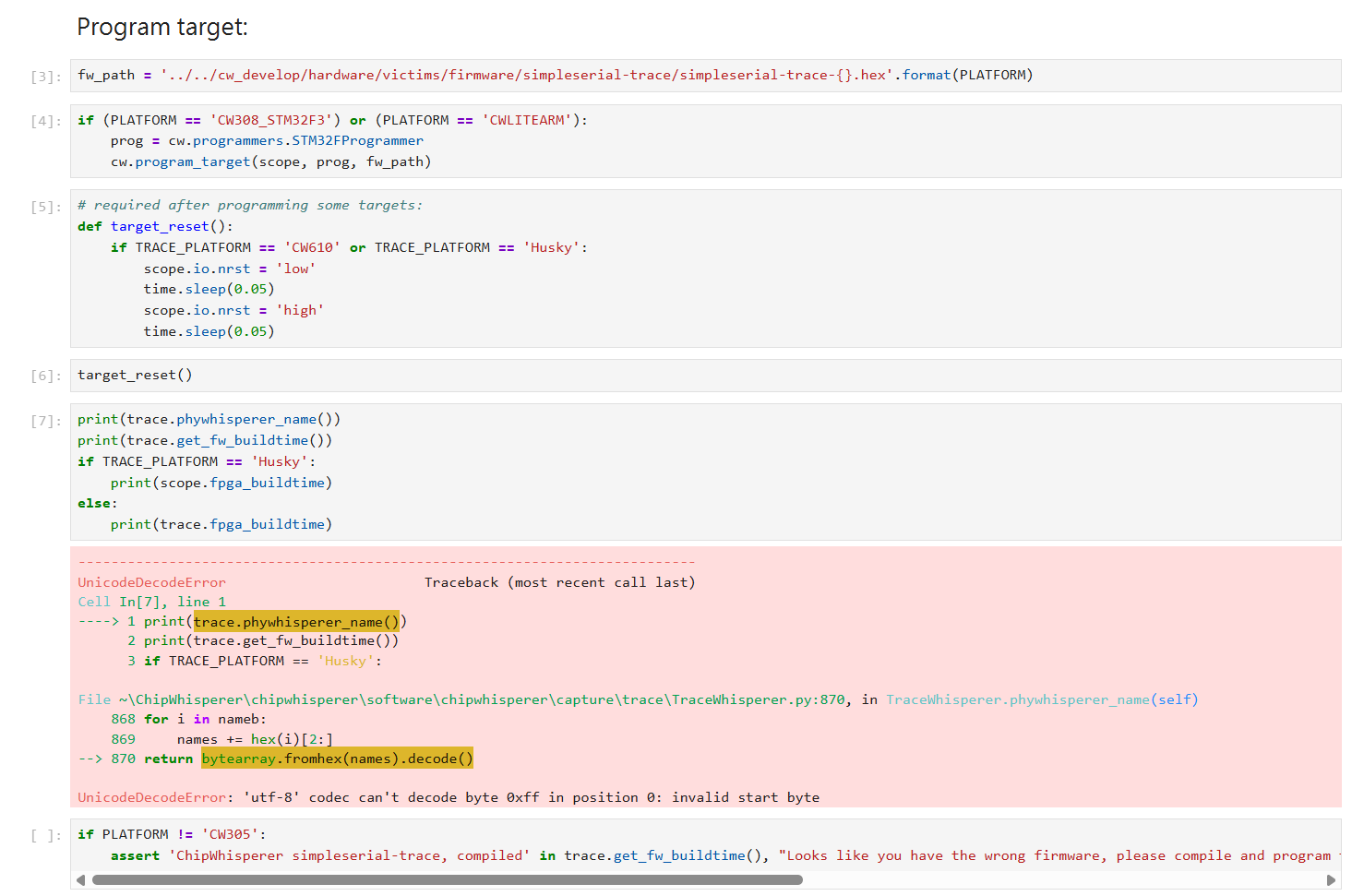
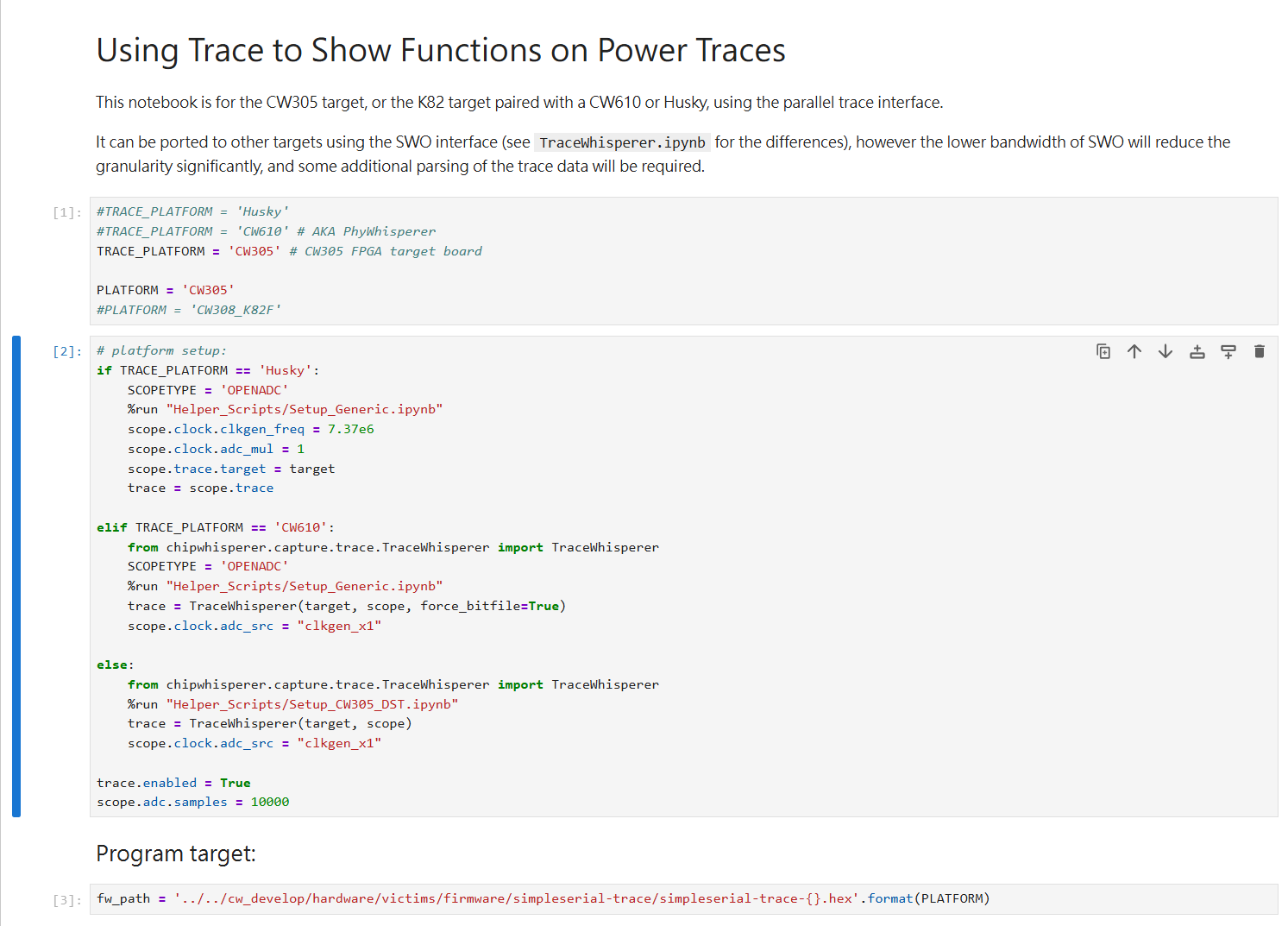
Right now I’m using DesignStartTrace to run “pc_sample_annotate

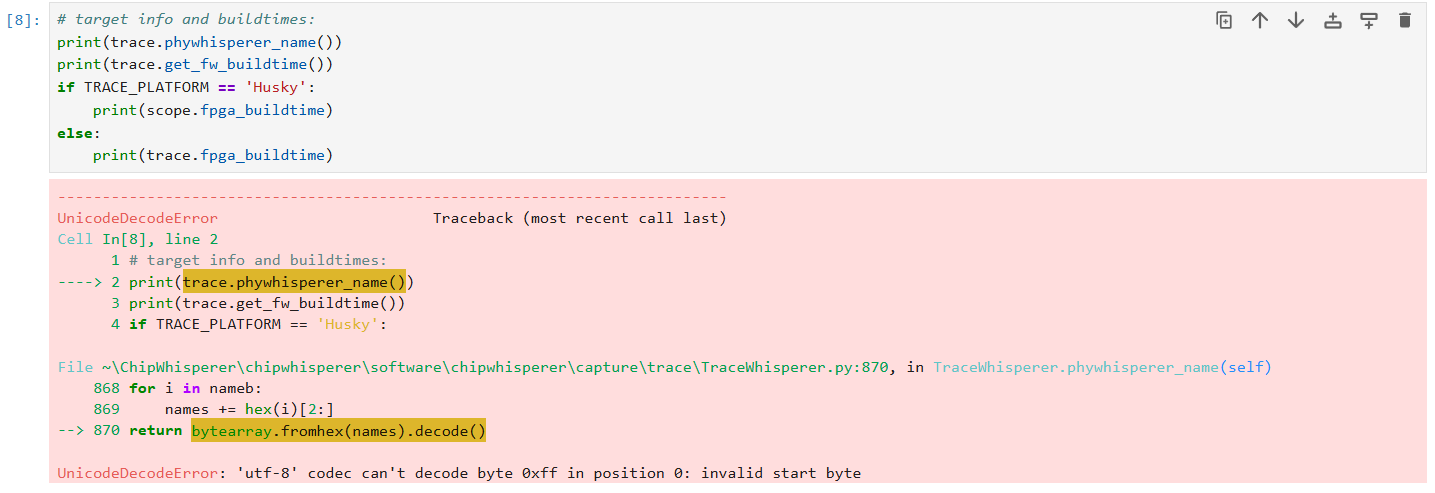
I got the same error when i restart and try TraceWhisperer example

and I’m pretty sure that Setup_CW305_DST I change the bitstream path that generate from https://github.com/stanley-666/CW305-Arm-DesignStart

Am I missing some steps?

If you had already programmed the CW305 with a different bitfile, the DesignStartTrace bitfile will not get written when you run these notebooks. Try simply powering the CW305 off, then back on, and try the notebook again.

Thanks for the reply, I disconnect all wires on CW-Lite and CW305.
Then I connect them back and power on to run the notebook again it got the same errors.

  • Hi,

    I have problem that when I follow

    GitHub - newaetech/CW305-Arm-DesignStart: Instruction and files for porting Arm DesignStart to CW305.

    • right-click in the design window, select “Add Module” and select clk_select.v.
    • Add a connection from clk_select_0->sys_clock to the sys_clock input pin.

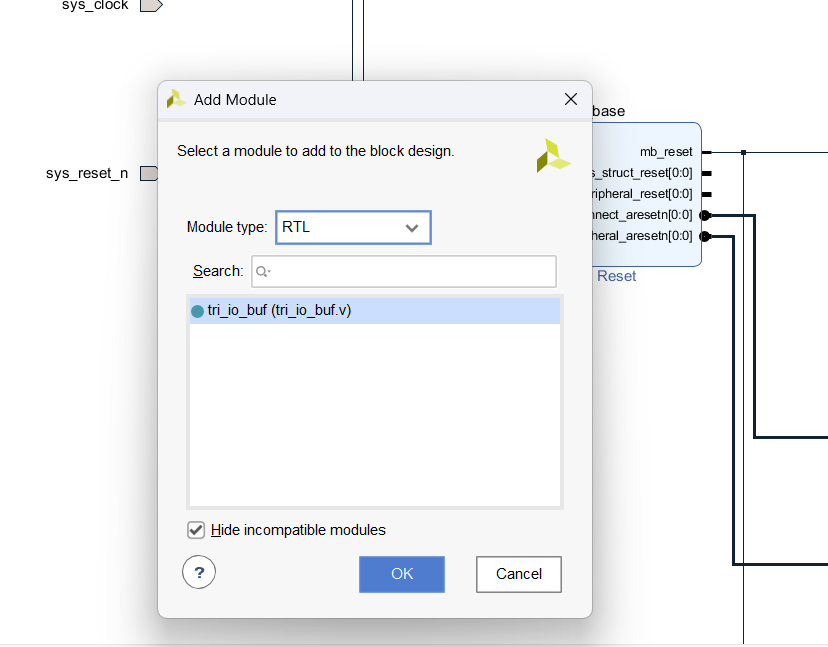
    I don’t see any clk_select.v
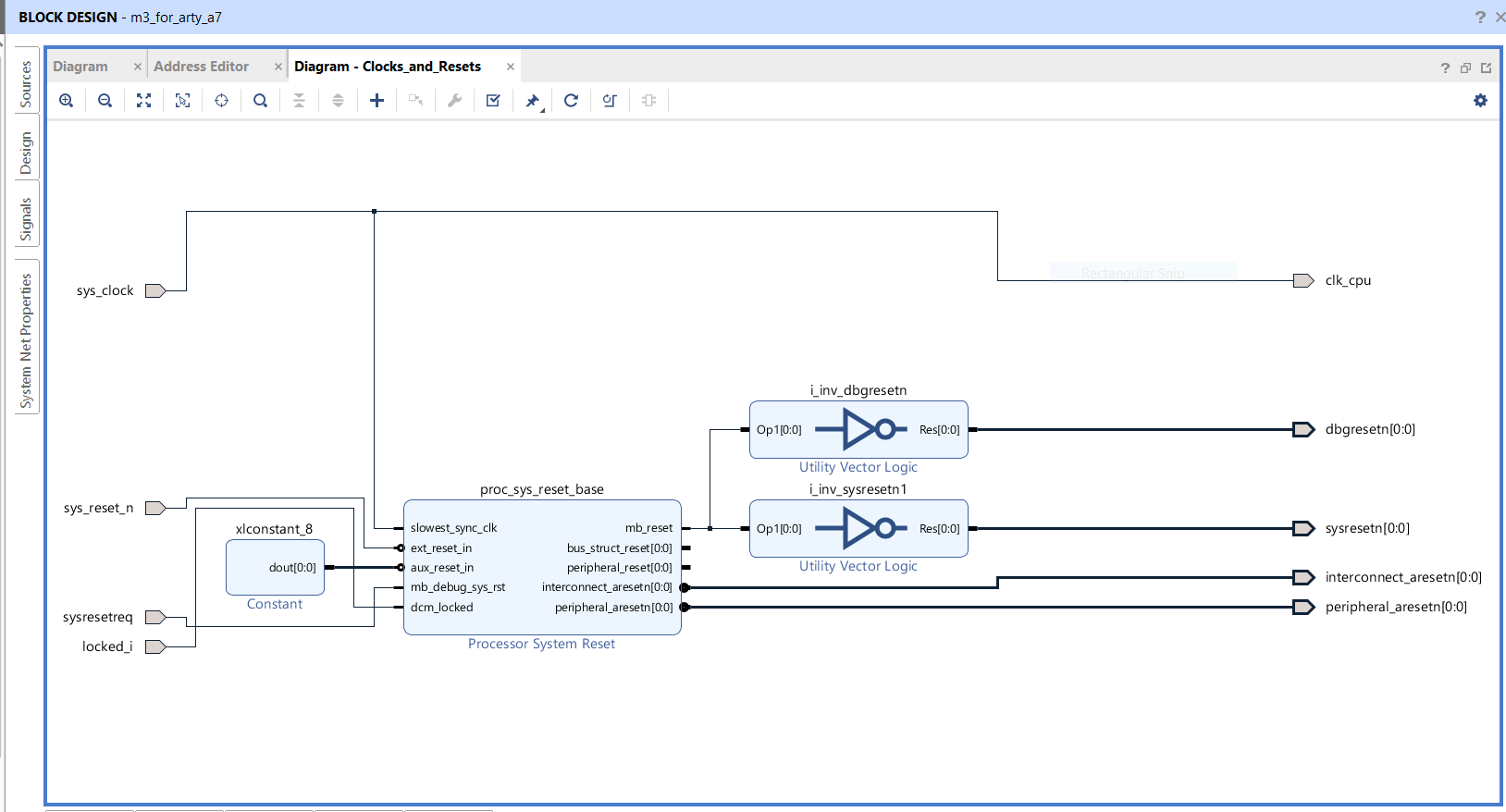
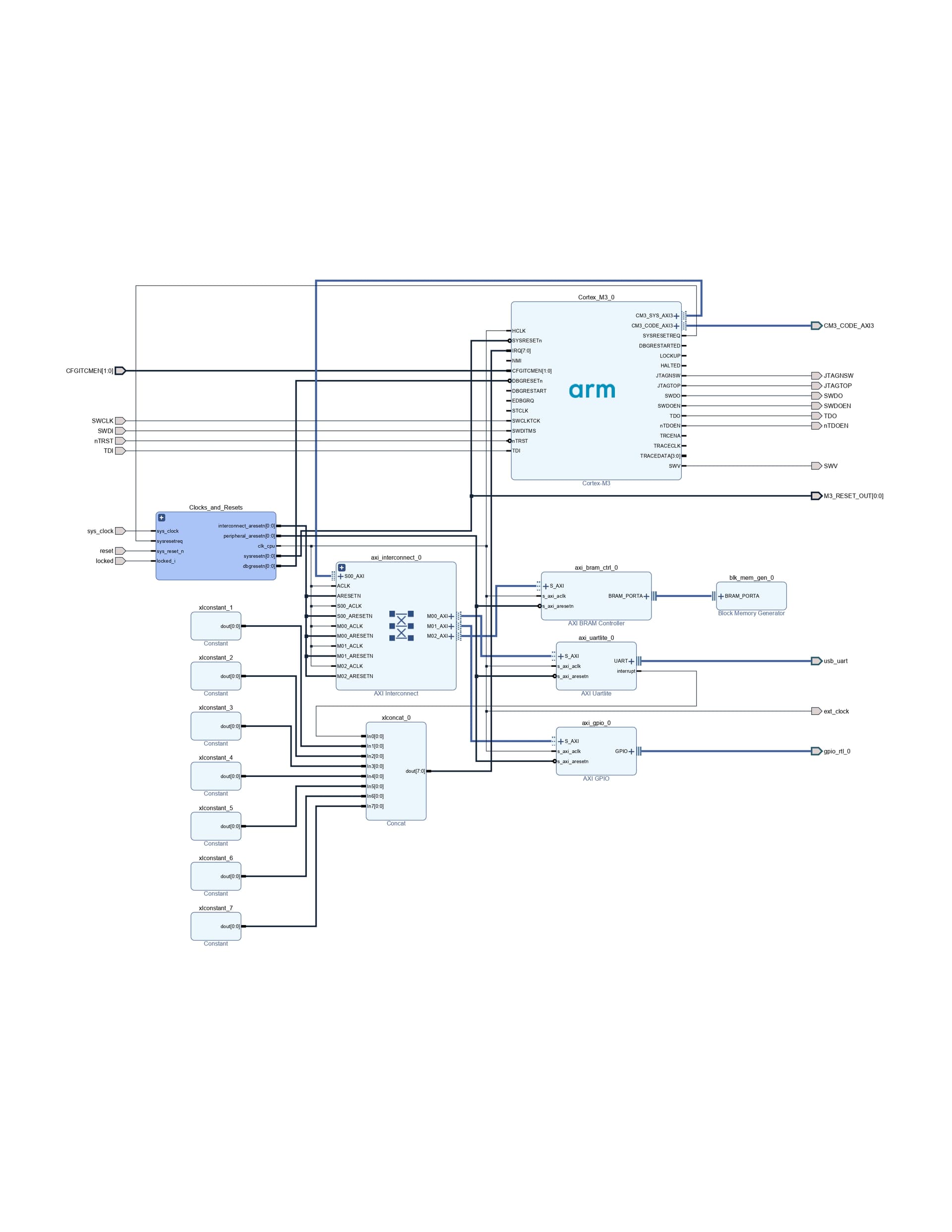
    I just saw the selection of tri_io_buf.v so I skip these two steps, and follow all instructions behind and my clock and reset block is the same as

    I’m pretty sure that I check everything ..
    and I pass the validation design.

    • upgrade IP blocks as required: next to the message “The design has 23 blocks that should be upgraded.”, click on “Report IP Status”, then “upgrade selected”

    but i only saw 18 blocks that should be upgraded.

    Is clk_select affect cw305 clk led7?

    because I unplugged everything (CW-Lite scope & CW305 target )
    and rerun the TraceWhisperer.ipynb here
    I set

    TRACE_PLATFORM = 'CW305'
    PLATFORM = 'CW305'
    TRACE_INTERFACE = 'parallel'
    RAW_CAPTURE = False
    

    and use the bitstream that generate from update the MMI file

    led5, 6, 7 are all off, not responding.

    Is there anything I can fix these issues

    Thanks

More infos

Unplugged cw-lite usb cable, cw305 usb cable and power everything off and replugged in

rerun
CW305-Arm-DesignStart/src/jupyter/Setup_DesignStart.ipynb at master · newaetech/CW305-Arm-DesignStart

clk_select.v is here. You must not skip any steps.

I follow the steps inorder
right-click in the design window, select “Add Module” and select clk_select.v.

  • Add a connection from clk_select_0->sys_clock to the sys_clock input pin.

    there is no clk_select.v file

    I know where the “clk_select.v” but follow the instructions

This is a “how do I use Vivado” question and outside the bounds of our support. Our instructions are clear and have been successfully used by others, but they do require prior experience with Vivado.
Ok, thanks

Look like I have the same problem here CW305-Arm-DesignStart : clock signal not toggling - Embedded Security / ChipWhisperer Hardware - NewAE Forum