Hey, I believe I am not getting good traces for AES on my CW310, I am using the CWLite scope.Below is the power trace for AES on default scope settings
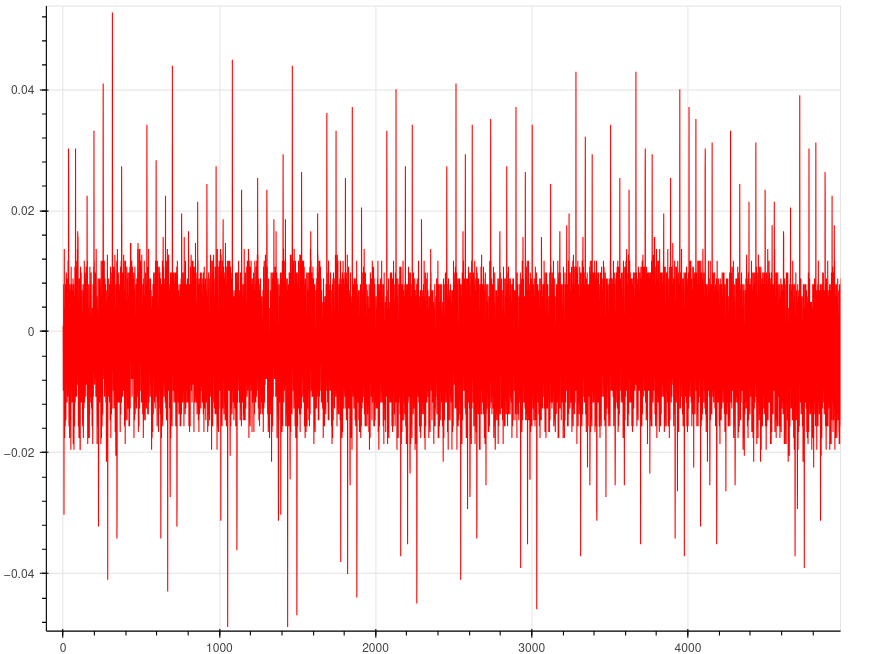
There isn’t nearly enough information for me to help you.
For starters, as I mentioned in the other thread, your gain is too low. The ADC’s full range is [-0.5, +0.5]. Increase scope.gain.db until the signal occupies close to the full range (while avoiding clipping).
Second, what AES target is this? Is it our example AES implementation, or yours?
Finally, what is the output of print(scope)?
I am using the AES implementation from cw310-bergen-board/fpga/aes/aes.runs/impl_410 at main · newaetech/cw310-bergen-board · GitHub , here below is the scope settings.
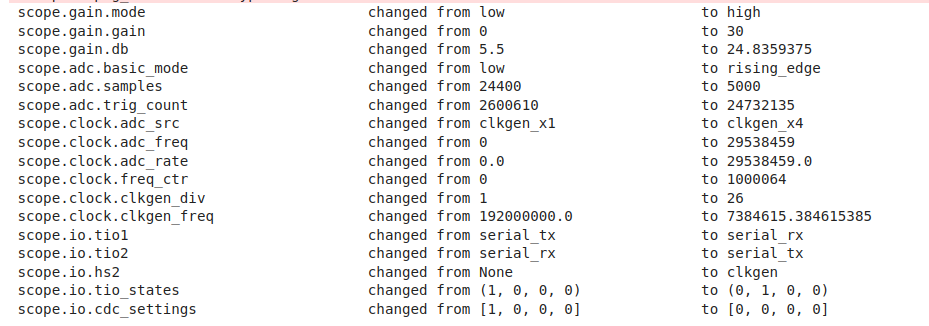
That is not what I asked. print(scope), please.
This is the output of print(scope)
cwlite Device
sn         = 50203220473141303130393135323033
fw_version =
    major = 0
    minor = 65
    debug = 0
gain =
    mode = high
    gain = 30
    db   = 24.8359375
adc =
    state          = False
    basic_mode     = rising_edge
    timeout        = 2
    offset         = 0
    presamples     = 0
    samples        = 5000
    decimate       = 1
    trig_count     = 25373322
    fifo_fill_mode = normal
clock =
    adc_src       = clkgen_x4
    adc_phase     = 0
    adc_freq      = 29538459
    adc_rate      = 29538459.0
    adc_locked    = True
    freq_ctr      = 0
    freq_ctr_src  = extclk
    clkgen_src    = system
    extclk_freq   = 10000000
    clkgen_mul    = 2
    clkgen_div    = 26
    clkgen_freq   = 7384615.384615385
    clkgen_locked = True
trigger =
    triggers = tio4
    module   = basic
io =
    tio1         = serial_rx
    tio2         = serial_tx
    tio3         = high_z
    tio4         = high_z
    pdid         = high_z
    pdic         = high_z
    nrst         = high_z
    glitch_hp    = False
    glitch_lp    = False
    extclk_src   = hs1
    hs2          = clkgen
    target_pwr   = True
    tio_states   = (0, 1, 0, 0)
    cdc_settings = [0, 0, 0, 0]
glitch =
    clk_src     = target
    mmcm_locked = False
    width       = 10.15625
    width_fine  = 0
    offset      = 10.15625
    offset_fine = 0
    trigger_src = manual
    arm_timing  = after_scope
    ext_offset  = 0
    repeat      = 1
    output      = clock_xor
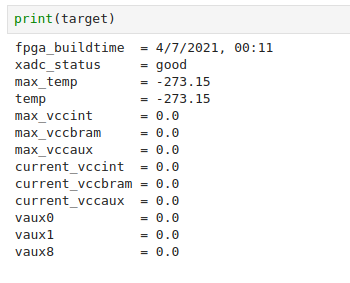

In your previous thread I advised that you use our CW305 AES demo notebook with some small (but important!) changes. Correct me if I am wrong but you don’t appear to have done that.
Some of the important setup done in that notebook is around how the target is clocked and how the ADC is clocked. In this case, we want the target to be clocked by the CW310’s on-board PLL, and we want the CW-lite to use that clock for ADC sampling. If you don’t do that as instructed, then you will have very poor results.
Do you mean this?
target.pll.pll_outenable_set(False, 0)
target.pll.pll_outenable_set(False, 1)
target.pll.pll_outenable_set(True, 2)
target.pll.pll_outfreq_set(10e6, 2)
If so, then yes I did it, if it is regarding the USRDIP Switches, could you tell exactly what switches need to be turned on
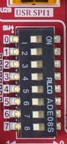
All the instructions are in this thread.
There is more to do than those target.pll commands; you need to run the full CW305 AES demo notebook, with some modifications as I’ve already explained above.
Yes, I am using the same file
But above you show that scope.clock.adc_src = ‘clkgen_x4’, which is not the correct setting for this target.
Specifically, in this code block of our notebook, scope.clock.adc_src = ‘extclk_x4’needs to be run:
if TARGET_PLATFORM in ['CW305_100t', 'CW305_35t']:
    if scope._is_husky:
        scope.clock.clkgen_freq = 10e6
        scope.clock.clkgen_src = 'extclk'
        scope.clock.adc_mul = 4
        # if the target PLL frequency is changed, the above must also be changed accordingly
    else:
        scope.clock.adc_src = "extclk_x4"
Hey I have done the above changes but I am getting no values for adc.freq
cwlite Device
sn         = 50203220473141303130393135323033
fw_version =
    major = 0
    minor = 65
    debug = 0
gain =
    mode = high
    gain = 30
    db   = 24.8359375
adc =
    state          = False
    basic_mode     = rising_edge
    timeout        = 2
    offset         = 0
    presamples     = 0
    samples        = 129
    decimate       = 1
    trig_count     = 543976879
    fifo_fill_mode = normal
clock =
    adc_src       = extclk_x4
    adc_phase     = 0
    adc_freq      = 0
    adc_rate      = 0.0
    adc_locked    = False
    freq_ctr      = 0
    freq_ctr_src  = extclk
    clkgen_src    = system
    extclk_freq   = 10000000
    clkgen_mul    = 2
    clkgen_div    = 26
    clkgen_freq   = 7384615.384615385
    clkgen_locked = True
trigger =
    triggers = tio4
    module   = basic
io =
    tio1         = serial_rx
    tio2         = serial_tx
    tio3         = high_z
    tio4         = high_z
    pdid         = high_z
    pdic         = high_z
    nrst         = high_z
    glitch_hp    = False
    glitch_lp    = False
    extclk_src   = hs1
    hs2          = None
    target_pwr   = True
    tio_states   = (0, 1, 0, 0)
    cdc_settings = [0, 0, 0, 0]
glitch =
    clk_src     = target
    mmcm_locked = False
    width       = 10.15625
    width_fine  = 0
    offset      = 10.15625
    offset_fine = 0
    trigger_src = manual
    arm_timing  = after_scope
    ext_offset  = 0
    repeat      = 1
    output      = clock_xor
Is it an issue with the USRDIP Switches or where I have connected the SMA cable, if so could you please tell what they should be
Have you connected the 20-pin cable?
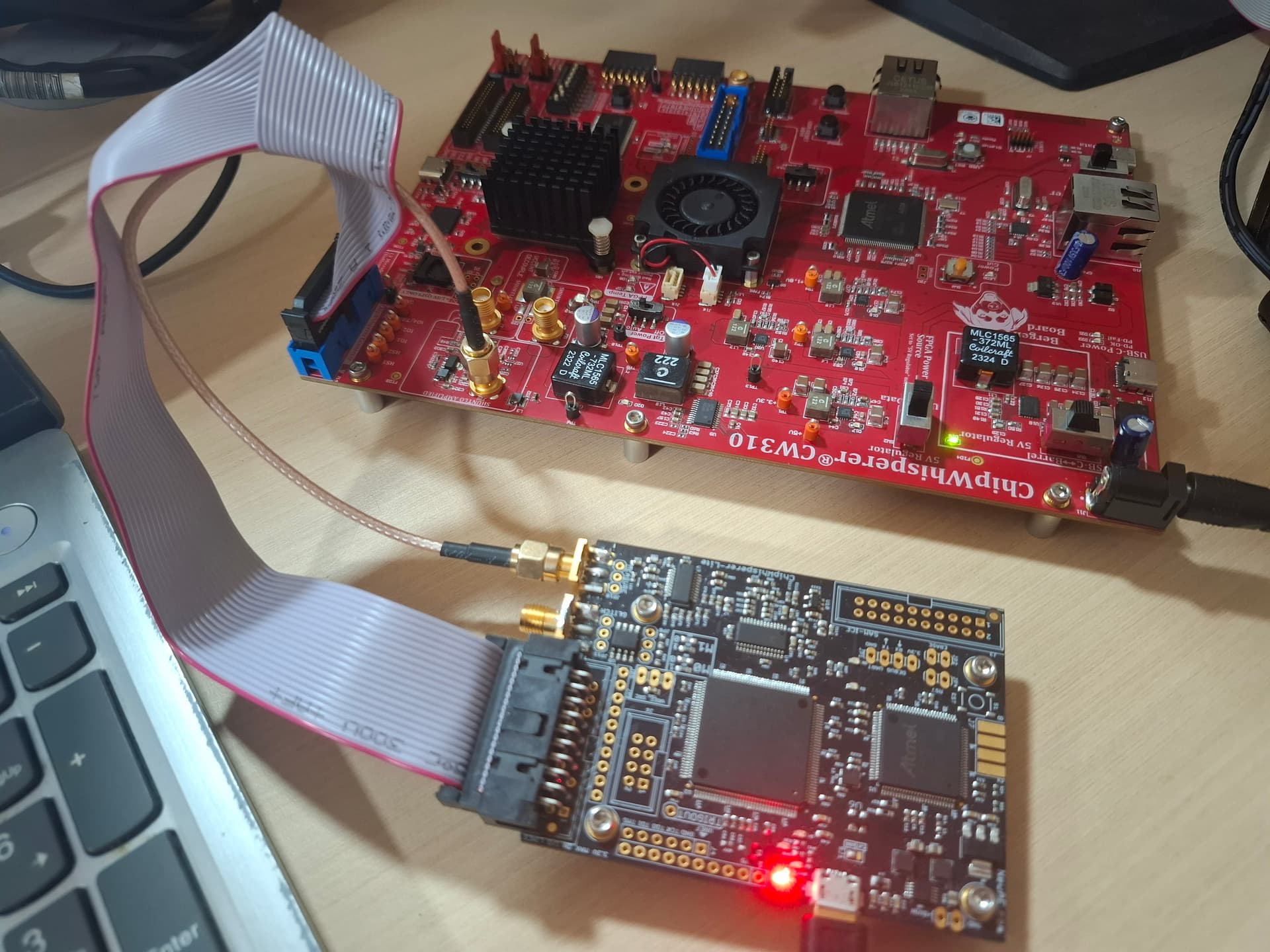
You must connect to the CW310’s USB-C “data” port. You will not be able to program the FPGA or configure the board in any way without this. For clarity, this is the USB port labeled “A” in the diagram here: CW310 Bergen Board (Kintex FPGA Target) — ChipWhisperer Documentation
Then, this notebook should eliminate any other variables. It’s essentially the same as our 305 demo notebook but eliminates the chances of incorrect changes.
CW310_AES_demo.zip (2.0 KB)
Yes it isnt there in thr picture but, I have already dumped the fgpa and its working, the only issue is that I am unable to use the external clock, will try the notebook once again
You must keep the USB data port connected, even after programming the FPGA.
Hey, I have already collected traces for AES as shown above(using ‘clkgen’) , and faced no errors. However when using external clock I am facing errors. Could you please tell me the settings for USRDIP switches as I believe that may be the issue here.
The notebook above clearly states:
IMPORTANT! Set these on the CW310’s USRDIP:
USRDIP0 = 1
USRDIP1 = 0